 Deezer Music Converter
Step 1. Install TunesFun Deezer Music Converter to your computer
Open the TunesFun Deezer Music Converter on your computer and then log in to your Deezer account.
Download Music, Playlists, and More from Deezer Music Converter
Download Deezer Music in the Highest Quality Available
Convert Deezer Music to MP3/M4A/WAV/FLAC
More Customizable and Flexible Settings
35X Download Speeds & Batch Downloads for Efficiency
No Ads, No Interruptions, User-Friendly Interface
 Mac
Mac
 Windows
Attention: TunesFun is a home edition available for personal use only.
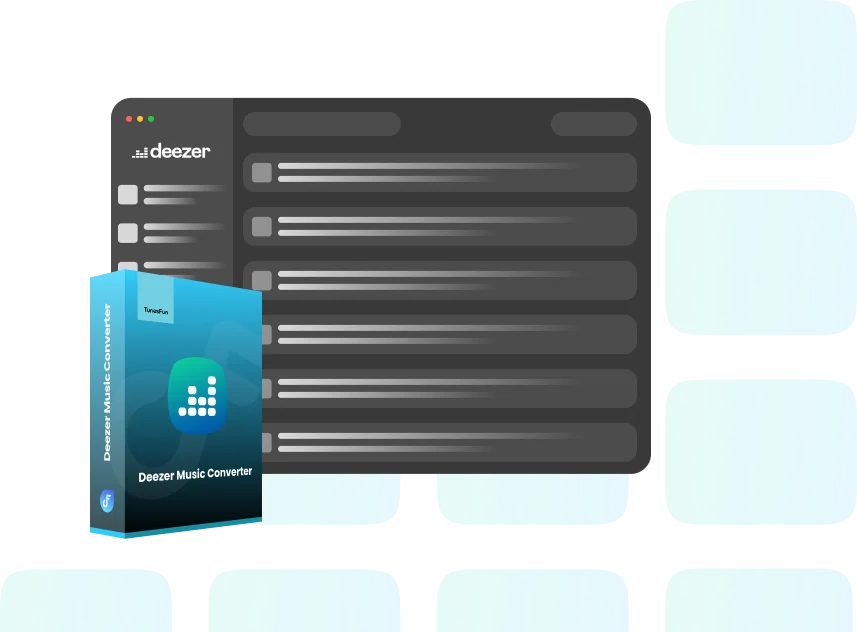
What Deezer Music Converter Can Do

Download Deezer Songs, Playlists, Albums, and Podcasts

Convert Deezer Music into Popular Audio Formats

Get the Best Sound Quality Without Compromising on Speed

Preserves Metadata and ID3 Tags

No DRM Boundaries
Download Deezer Music for Offline Listening Forever
No Internet, No Problem. With TunesFun Deezer Music Converter, you can download Deezer tracks and enjoy them offline without needing a continuous internet connection. This is especially useful for users who travel frequently or want to listen without relying on cellular data.
Multiple Output Formats & Customization Options
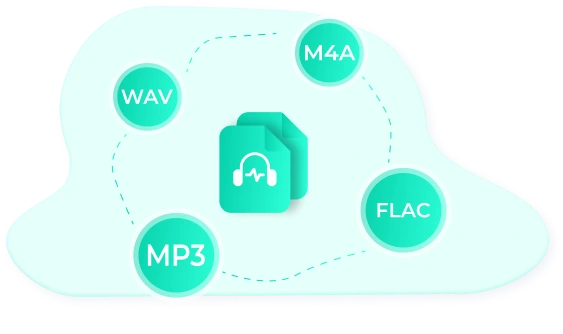
TunesFun Deezer Music Converter allows you to download and convert Deezer tracks, albums, and playlists into multiple formats, such as MP3, M4A, WAV and FLAC. This versatility ensures compatibility with a wide range of devices and music players, offering users the freedom to enjoy music on their preferred platforms.Tailor your music to your exact needs by customizing the bitrate and sample rate. Whether you prefer high bitrates for better sound quality or smaller files for saving storage space, you have complete control.
Batch Conversion and 35X Download Speed
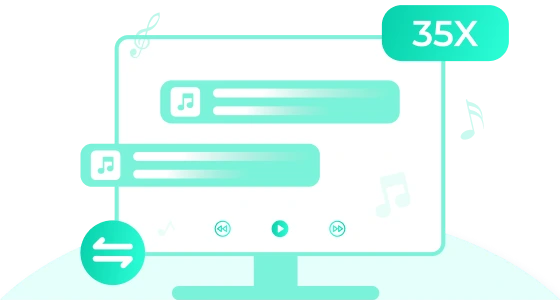
Experience lightning-fast download speeds, allowing you to grab entire albums or playlists in a matter of minutes. With multi-threaded technology, this downloader maximizes efficiency, so you spend less time waiting and more time listening.
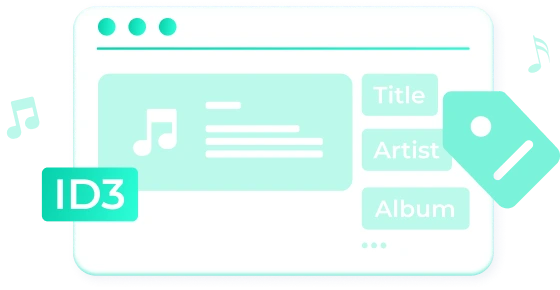
Preserve Metadata and ID3 Tags for Easier Management
TunesFun Deezer Music Converter retains all essential metadata, including song title, artist name, album name, genre, and album artwork. This helps in keeping your music library well-organized after the conversion, and it's particularly beneficial if you use music management software or devices that rely on metadata.
No Need for Deezer App, All Your Need in One App
One of the most convenient features of the TunesFun Deezer Music Converter is that you don’t need the Deezer app installed on your computer. The built-in Deezer music player allows you to play, shuffle, and manage your library directly within the downloader app. Enjoy smooth, uninterrupted playback with a simple, easy-to-use interface.
No Ads and User-Friendly Interface to Get Better Experience
TunesFun Deezer Music Converter features an intuitive and sleek design that makes it easy for anyone, regardless of technical skill, to navigate. Whether you're a first-time user or a seasoned downloader, the interface is simple, yet powerful, making the process of downloading and managing music a breeze. Enjoy an ad-free experience while browsing and downloading your music. The app ensures that you are not interrupted by annoying pop-ups, giving you a smooth and focused experience without distractions.
How to Convert Deezer Music to MP3
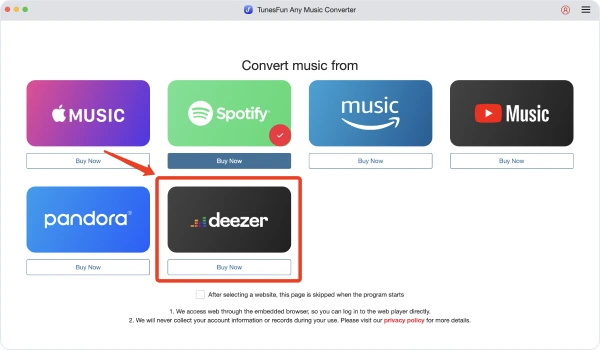
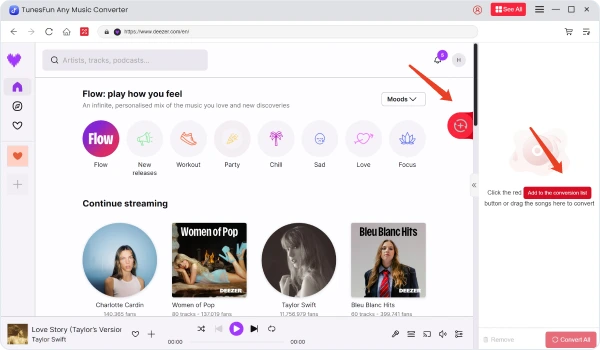
Step 1. Install TunesFun Deezer Music Converter to your computer
Open the TunesFun Deezer Music Converter on your computer and then log in to your Deezer account.
Step 2. Select files and Output Format
Select the files that you want to convert and choose your desired output format.
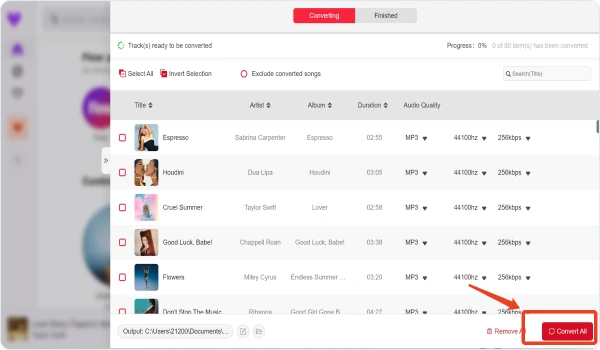
Step 3. Convert Deezer Music to MP3
Click on the "Convert" button to convert Deezer Music to MP3 with 35X faster speed and original quality.
Tech Specs of TunesFun Deezer Music Converter
System Requirements
Operating System(Win)
Windows 11/10/8.1/8/7 (64bits) Mac OS X 10.12 or higher
Processor
1G Hz processor or above
Resolution
1024×768 display or above
RAM
512MB or higher
Supported Input Formats
Songs, Albums, Playlists, and Podcasts from Deezer Music
Supported Output Formats
MP3, M4A, WAV, FLAC
See What Our Users Say

TunesFun Deezer Music Converter is exactly what I’ve been looking for! I travel a lot for work, and I can’t always rely on Wi-Fi or mobile data to listen to my favorite music. This tool allows me to download my playlists directly to my laptop, and I can transfer them to my phone without any issues. I’ve been impressed by the fast conversion speed, and the fact that it keeps all of the ID3 tags and album artwork intact makes my library look professional and organized. It’s a must-have for any serious music fan!

Ben
I've been using TunesFun Deezer Music Converter for a few months now, and I’m absolutely thrilled with how easy it is to use. The interface is very clean and intuitive, which is a big plus for someone like me who isn’t super tech-savvy. I can download full playlists with just a few clicks, and the conversion process is very fast. I love that I can choose between formats like MP3, FLAC, and WAV. The audio quality is incredible, and I’ve noticed zero loss in sound when I transfer the files to my MP3 player. Highly recommend it!

Emily
I used to download Deezer music one song at a time. With this tool, I can grab entire albums or playlists in a matter of minutes. It saves me so much time! It even works with Deezer’s free account, which is a big deal for me. I now have my favorite songs offline, and I can listen without worrying about buffering or data usage. Definitely five stars!

Ronald
Tips & Tricks
Download TunesFun Deezer Music Converter for Free Now
Start enjoying your music journey with TunesFun Deezer Music Converter. TunesFun gives you the flexibility, quality, and ease you need to enjoy your music your way.
Subscribe for latest updates and offers
Copyright © 2026 TunesFun. All rights reserved.